- Table of Contents
- 1. Understanding Password Managers
- 2. The Current Threat Landscape
- Emerging Security Risks and Vulnerabilities
- Case Studies of Password Manager Breaches
- The Role of Social Engineering
- 3. Best Practices for Using Password Managers
- Selecting the Right Password Manager
- Setting Up Your Password Manager
- Utilizing Strong Passwords
- Two-Factor Authentication (2FA)
- 4. Encryption and Security Protocols
- 5. Privacy Laws and Compliance
- Overview of Global Privacy Regulations
- Impact on Password Manager Functionality
- Compliance Strategies for Businesses
- 6. Malware Protection and Threat Prevention
- Types of Malware Threats
- Protective Measures Against Malware
- Recognizing and Avoiding Phishing Attacks
- 7. Conclusion and Future Considerations
In an age where digital interactions dominate our personal and professional lives, safeguarding our online identities has never been more critical. As we move into 2025, the cybersecurity landscape is evolving rapidly, with threats becoming more sophisticated and pervasive. Password managers have become indispensable tools in this fight against cybercrime, offering a blend of convenience and security. This guide will explore the latest security risks, vulnerabilities, and best practices associated with password managers, including encryption, authentication, privacy laws, malware protection, and threat prevention.
Table of Contents
-
Understanding Password Managers
- What is a Password Manager?
- How Password Managers Work
- Types of Password Managers
-
The Current Threat Landscape
- Emerging Security Risks and Vulnerabilities
- Case Studies of Password Manager Breaches
- The Role of Social Engineering
-
Best Practices for Using Password Managers
- Selecting the Right Password Manager
- Setting Up Your Password Manager
- Utilizing Strong Passwords
- Two-Factor Authentication (2FA)
-
Encryption and Security Protocols
- Understanding Encryption Methods
- Zero-Knowledge Architecture
- Trusted Security Protocols
-
Privacy Laws and Compliance
- Overview of Global Privacy Regulations
- Impact on Password Manager Functionality
- Compliance Strategies for Businesses
-
Malware Protection and Threat Prevention
- Types of Malware Threats
- Protective Measures Against Malware
- Recognizing and Avoiding Phishing Attacks
-
Conclusion and Future Considerations
1. Understanding Password Managers
What is a Password Manager?
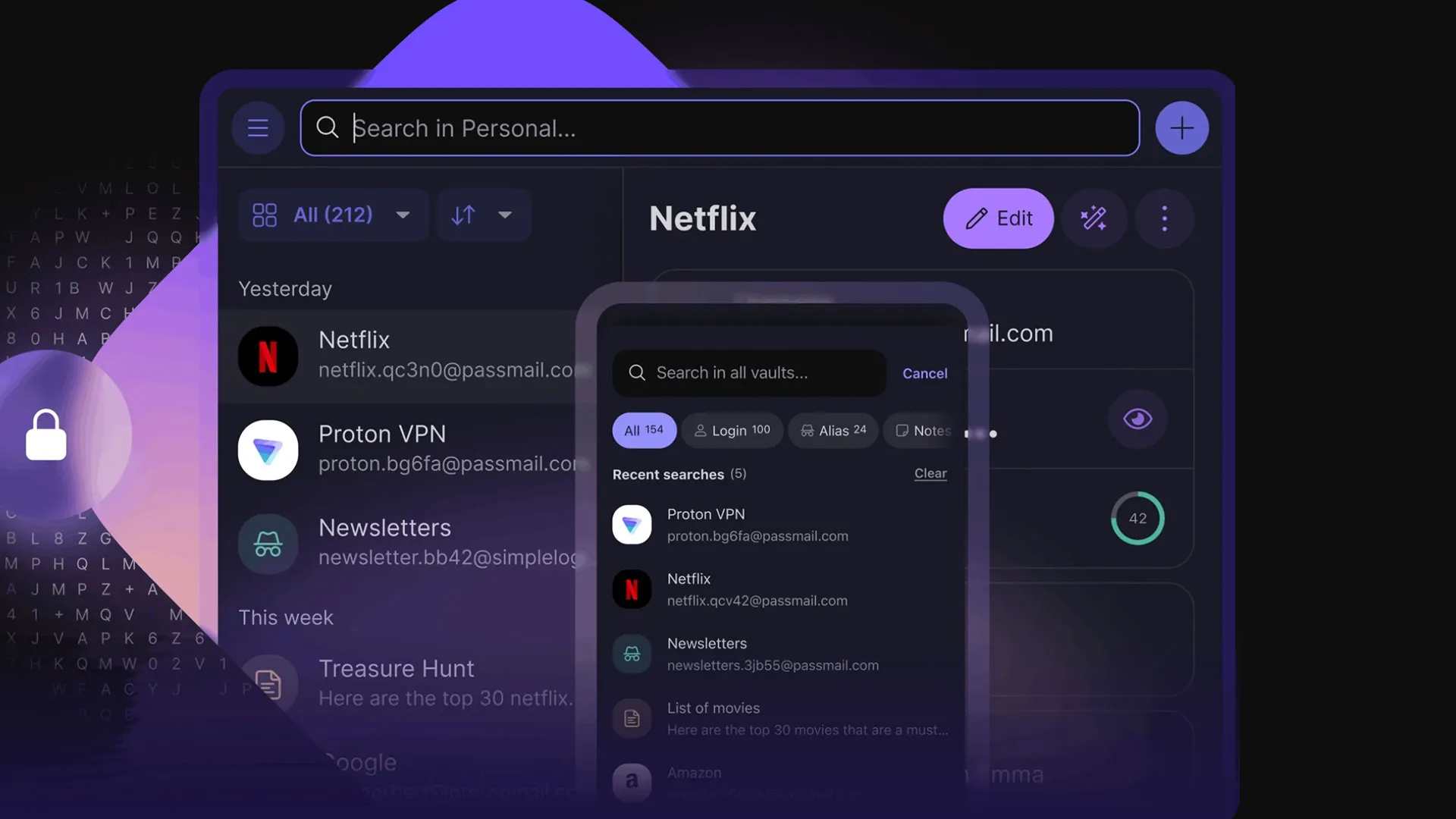
A password manager is software designed to store and manage your passwords and other credentials securely. These tools allow users to create, retrieve, and manage complex passwords for different accounts through a single interface. By automating the password generation and storage process, password managers help prevent the reuse of weak passwords and reduce the risk of unauthorized access.
How Password Managers Work
Password managers typically function by storing user credentials in an encrypted vault. Users create a master password to access this vault, which is the only password they need to remember. Upon logging in, the password manager can autofill login forms and generate strong passwords based on criteria specified by the user.
Types of Password Managers
- Cloud-Based Password Managers: Store passwords on remote servers, accessible from any device with internet connectivity.
- Local Password Managers: Store passwords directly on the user’s device, enhancing privacy but limiting access across devices.
- Enterprise Password Managers: Designed for organizations, these solutions offer centralized management of employee credentials.
2. The Current Threat Landscape
Emerging Security Risks and Vulnerabilities
As of 2025, the cybersecurity landscape has seen several emerging risks:
- Credential Stuffing Attacks: Attackers use stolen username-password combinations from one breach to gain unauthorized access to user accounts on other platforms.
- Advanced Phishing Techniques: Phishing attacks have grown more sophisticated, utilizing deepfake technology to impersonate trusted sources convincingly.
- Ransomware with Credential Theft: Ransomware is increasingly being used not just for data encryption but for stealing credentials to sell on the dark web.
Case Studies of Password Manager Breaches
- LastPass Breach (2022): In a notable breach, hackers accessed encrypted vaults, raising questions about the effectiveness of encryption methods.
- Dashlane Incident (2024): A vulnerability allowed attackers to intercept user data during synchronization across devices, prompting a review of their security protocols.
The Role of Social Engineering
Social engineering remains a significant threat, where attackers manipulate individuals into divulging confidential information. Awareness and training for users are essential in mitigating these risks.
3. Best Practices for Using Password Managers
Selecting the Right Password Manager
When choosing a password manager, consider the following factors:
- Security Features: Look for end-to-end encryption, zero-knowledge architecture, and robust security protocols.
- User Experience: The interface should be intuitive, with easy navigation and accessibility across devices.
- Reputation and Reviews: Research user reviews and expert opinions to gauge reliability.
Setting Up Your Password Manager
- Download and Install: Choose your password manager from an official source and install it on your devices.
- Create a Strong Master Password: Use a long passphrase combining uppercase letters, lowercase letters, numbers, and symbols.
- Enable Two-Factor Authentication: Add an extra layer of security by enabling 2FA for your password manager account.
Utilizing Strong Passwords
- Use a password generator to create unique passwords for each account.
- Avoid common passwords and patterns.
- Regularly update your passwords, especially after significant breaches.
Two-Factor Authentication (2FA)
2FA adds an additional layer of security by requiring a second form of verification, such as a text message code or authentication app. This significantly reduces the risk of unauthorized access.
4. Encryption and Security Protocols
Understanding Encryption Methods
Encryption is the cornerstone of password manager security. It protects your data from unauthorized access. Common encryption methods include:
- AES (Advanced Encryption Standard): A widely used symmetric encryption algorithm that provides a high level of security.
- RSA (Rivest-Shamir-Adleman): An asymmetric encryption algorithm commonly used for secure data transmission.
Zero-Knowledge Architecture
This model ensures that the service provider has no access to your passwords. Only you possess the master password, which means even if the provider suffers a breach, your data remains secure.
Trusted Security Protocols
Look for password managers that comply with industry standards such as:
- TLS (Transport Layer Security): Ensures secure data transmission over the internet.
- CSP (Content Security Policy): Prevents various attacks like Cross-Site Scripting (XSS).
5. Privacy Laws and Compliance
Overview of Global Privacy Regulations
As of 2025, several key privacy regulations impact how password managers operate:
- GDPR (General Data Protection Regulation): Enforces strict rules on data processing and user consent in the EU.
- CCPA (California Consumer Privacy Act): Provides California residents with enhanced privacy rights concerning their personal data.
- HIPAA (Health Insurance Portability and Accountability Act): Applies to healthcare data, requiring stringent measures for data protection.
Impact on Password Manager Functionality
These regulations necessitate that password managers implement robust data protection measures, including user consent for data collection and the ability to delete stored data upon request.
Compliance Strategies for Businesses
- Regular Audits: Conduct security audits to ensure compliance with applicable laws.
- User Education: Train employees on data privacy regulations and best practices for using password managers.
6. Malware Protection and Threat Prevention
Types of Malware Threats
- Keyloggers: Capture keystrokes to steal passwords and sensitive information.
- Spyware: Monitors user activity and collects data without consent.
- Ransomware: Locks files until a ransom is paid; may also steal credentials.
Protective Measures Against Malware
- Install Antivirus Software: Ensure your devices are protected with reputable antivirus software.
- Regular Updates: Keep your operating system and applications up to date to avoid vulnerabilities.
- Network Security: Use firewalls and secure your Wi-Fi network with strong passwords.
Recognizing and Avoiding Phishing Attacks
- Be Skeptical of Unsolicited Communications: Always verify the source of emails or messages requesting sensitive information.
- Hover Over Links: Check URLs before clicking to ensure they lead to legitimate sites.
- Use Email Filtering: Employ spam filters to reduce exposure to phishing attempts.
7. Conclusion and Future Considerations
As we look to the future, the importance of password managers in cybersecurity will only grow. With emerging threats and evolving regulatory landscapes, users must remain vigilant and proactive in their approach to password security.
Expert Insights
Experts recommend that, moving forward, users should:
- Regularly reassess their digital security practices.
- Stay informed about the latest threats and technologies in password management.
- Engage in continuous education regarding cybersecurity best practices.
Final Thoughts
Password managers are a critical component of any cybersecurity strategy. By understanding the current risks and implementing best practices, individuals and organizations can significantly enhance their digital security posture. As technology evolves, staying informed and prepared will be vital in navigating the complexities of the digital landscape in 2025 and beyond.
This guide provides a comprehensive overview of password managers and their significance in today’s cybersecurity environment. By following the outlined best practices and remaining aware of emerging threats, readers can take significant steps to protect their digital identities and secure their online interactions.
