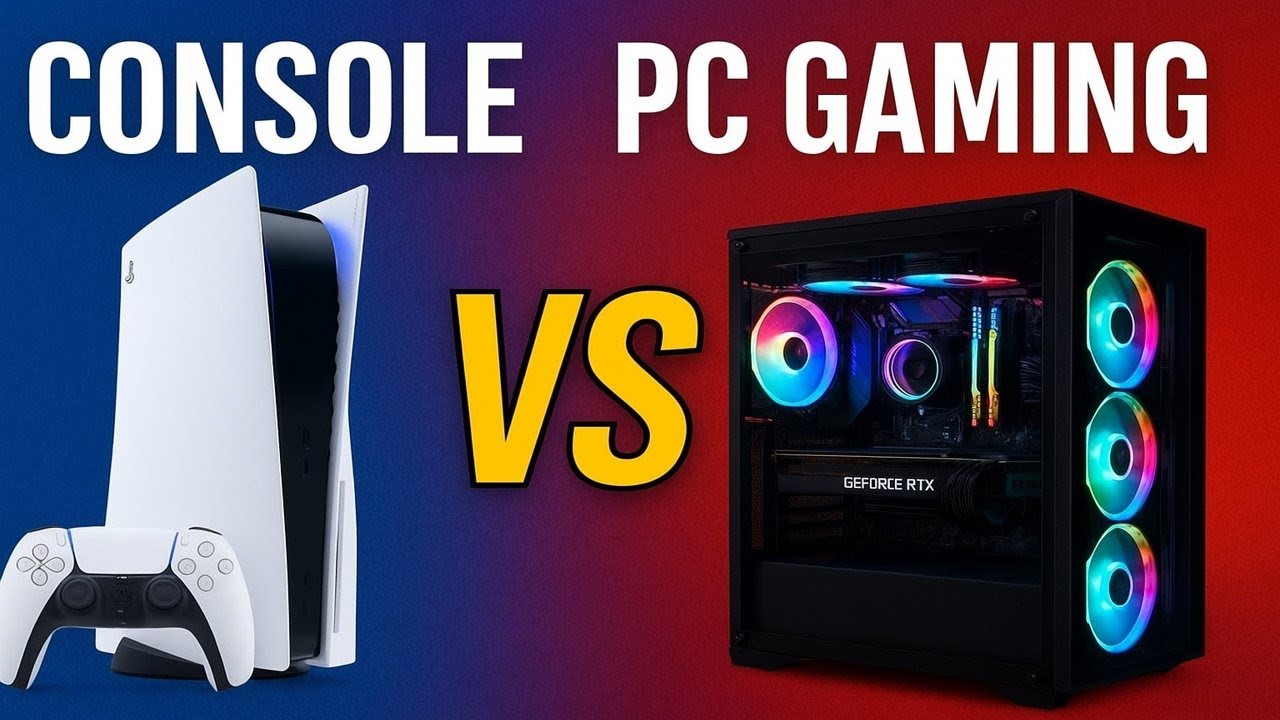
The gaming landscape is ever-evolving, and as we step into 2026, the debate between console and PC gaming remains a hot topic. Each platform has its unique advantages and challenges, influenced by advancements in hardware, gaming technologies, and user preferences. This article will cover various aspects of gaming, including hardware, technologies, performance optimization, game streaming, and the competitive gaming scene, providing a thorough comparison of console and PC gaming.
- 1. Gaming Hardware
- 2. Gaming Technologies
- 3. Performance Optimization
- 4. Game Streaming Platforms and Equipment
- 5. Esports and Competitive Gaming Scene
- 6. Budget and High-End Builds
- 7. Tips for PC and Console Gaming Enthusiasts
- Conclusion
1. Gaming Hardware
1.1 Consoles
In 2025, consoles like the PlayStation 5 and the Xbox Series X have raised the bar for gaming performance and compatibility. With powerful GPUs and CPUs, these consoles support high-resolution gaming, 120 FPS, and ray tracing.
Key Specifications:
-
- Graphics: Advanced GPUs with custom architecture to handle 4K resolution and ray tracing.
-
- Storage: SSDs are standard, with capacities of 1TB or more, ensuring fast load times.
-
- Controllers: New adaptive controllers provide haptic feedback and customizable features.
1.2 PCs
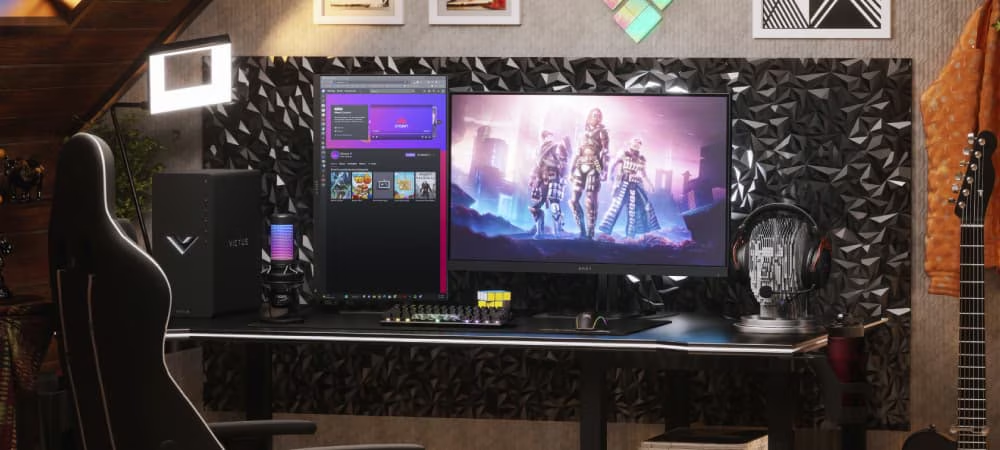
PC gaming offers unmatched flexibility regarding hardware upgrades. Custom builds allow gamers to choose components that cater to their specific needs.
Essential Components:
-
- CPU: High-performance processors (like AMD Ryzen 9 or Intel i9) for multitasking and gaming.
-
- GPU: Top-tier graphics cards (NVIDIA RTX 5000 series or AMD Radeon RX 8000 series) support ray tracing and high frame rates.
-
- RAM: 16GB to 32GB of DDR5 RAM for smooth multitasking and enhanced gameplay.
-
- Storage: NVMe SSDs provide lightning-fast load times, while HDDs can be used for additional storage.
Example Build:
-
- Budget Build: AMD Ryzen 5 5600X, NVIDIA GTX 1660 Super, 16GB RAM, 1TB HDD, and a standard 1080p monitor.
-
- High-End Build: Intel i9-13900K, NVIDIA RTX 5090, 32GB RAM, 2TB NVMe SSD, and a 4K monitor with G-Sync.
1.3 Laptops
Gaming laptops are increasingly popular due to their portability. Models like the Razer Blade 15 and ASUS ROG Zephyrus G15 offer desktop-class performance in a mobile form factor.
Features to Consider:
-
- GPU: Ensure it has a dedicated GPU for optimal gaming performance.
-
- Cooling: Advanced cooling systems are critical for maintaining performance.
-
- Battery Life: Look for models with a good balance of gaming performance and battery efficiency.
1.4 Peripherals
The gaming experience is greatly enhanced with the right peripherals.
Monitors:
-
- Refresh Rate: Look for monitors with at least 144Hz for smoother gameplay.
-
- Resolution: 4K is becoming standard, but 1440p offers a good balance between quality and performance.
Keyboards and Mice:
-
- Mechanical Keyboards: Offer tactile feedback and customizable lighting.
-
- Gaming Mice: Opt for models with adjustable DPI settings for precision.
Headsets:
-
- Surround Sound: Quality headsets with surround sound capabilities improve immersion.
-
- Microphone Quality: A clear microphone is essential for communication in multiplayer games.
2. Gaming Technologies
2.1 Ray Tracing
Ray tracing simulates real-world lighting, shadows, and reflections, enhancing visual realism. Both consoles and PCs can leverage this technology, but a dedicated GPU significantly improves performance.
2.2 DLSS
NVIDIA’s Deep Learning Super Sampling (DLSS) allows for increased frame rates without compromising visual quality. This technology is widely adopted in modern games and is available on both PC and the latest consoles.
2.3 Virtual Reality (VR)
VR gaming has seen significant advancements, with headsets like the Oculus Quest 3 and HTC Vive Pro 2 offering immersive experiences. PCs provide a broader range of VR titles and superior performance, but consoles are beginning to catch up with dedicated VR systems.
2.4 Cloud Gaming
With platforms like NVIDIA GeForce NOW and Xbox Cloud Gaming, cloud gaming is more accessible than ever. This technology allows players to stream games without the need for high-end hardware, making gaming more inclusive.
3. Performance Optimization
3.1 FPS Increases
FPS (frames per second) is crucial for a smooth gaming experience. While consoles are optimized for specific games, PCs allow for more tuning.
PC Optimization Tips:
-
- Update Drivers: Keep GPU drivers up-to-date for optimal performance.
-
- Adjust Settings: Lowering graphics settings can dramatically increase FPS.
-
- Overclocking: Tweak CPU and GPU settings for better performance, but ensure adequate cooling.
3.2 Overclocking
Overclocking can provide a significant performance boost, especially for PCs. However, it requires careful consideration of cooling solutions and stability.
Steps to Overclock:
-
- Research: Understand your CPU/GPU capabilities.
-
- Use Software: Utilize tools like MSI Afterburner or Intel XTU for adjustments.
-
- Monitor Temperatures: Keep temperatures in check to avoid overheating.
3.3 Cooling Solutions
Effective cooling is essential for maintaining performance, especially during intense gaming sessions.
Types of Cooling:
-
- Air Cooling: Affordable and effective, suitable for most builds.
-
- Liquid Cooling: Provides superior cooling for high-performance builds but is more complex to install.
4. Game Streaming Platforms and Equipment
4.1 Streaming Platforms
Platforms like Twitch and YouTube Gaming dominate the streaming landscape. They provide opportunities for gamers to share their gameplay, but quality streaming requires specific equipment.
4.2 Capture Cards
Capture cards allow you to record or stream gameplay. Popular models include:
-
- Elgato HD60 S: Great for consoles, offering 1080p at 60 FPS.
-
- AVerMedia Live Gamer 4K: Supports 4K capture for high-end setups.
4.3 Stream Decks
Stream decks simplify the streaming process by allowing quick access to various functions. They are invaluable for professional streamers, enabling seamless transitions and interactions.
5. Esports and Competitive Gaming Scene
5.1 Trends in Esports
The esports industry continues to grow, with tournaments offering millions in prize money. Games like Valorant, League of Legends, and Call of Duty dominate the scene.
5.2 Competitive Scene for Consoles vs. PCs
While PCs are the preferred platform for most competitive games due to performance, consoles have established their own competitive circuits, particularly in games like FIFA and Madden.
5.3 Case Study: Valorant
Valorant, a tactical shooter, showcases the advantages of PC gaming in competitive scenarios. High FPS, customizable settings, and the ability to use advanced peripherals offer a competitive edge.
6. Budget and High-End Builds
6.1 Budget Builds
For gamers on a budget, a capable PC can be built for around $800-$1000. Prioritize a good CPU and GPU, while opting for a simpler setup with peripherals.
6.2 High-End Builds
A high-end PC build can exceed $2000, offering top-of-the-line components. This investment pays off in performance, longevity, and the ability to handle future gaming titles.
6.3 Example Builds
-
- Mid-Range Build: AMD Ryzen 7 5800X, NVIDIA RTX 3070, 16GB RAM, 1TB NVMe SSD, and a 1440p monitor.
-
- High-End Build: Intel i9-13900K, NVIDIA RTX 5090, 32GB RAM, 2TB SSD, and a 4K monitor with high refresh rates.
7. Tips for PC and Console Gaming Enthusiasts
7.1 For PC Gamers:
-
- Stay Informed: Follow tech news to keep abreast of new components and technologies.
-
- Join Communities: Engage in forums and Discord channels for tips and insights.
-
- Regular Maintenance: Clean your PC regularly and optimize software settings.
7.2 For Console Gamers:
-
- Utilize Game Pass: Subscription services like Xbox Game Pass offer access to numerous titles at a fraction of the cost.
-
- Online Communities: Join gaming forums and social media groups to connect with other players.
-
- Invest in Extras: Quality headsets and controllers can enhance the gaming experience.
Conclusion
As we move through 2025, the choice between console and PC gaming ultimately boils down to personal preference and gaming goals. Both platforms have their strengths, whether it’s the raw power and flexibility of a custom PC or the user-friendly, optimized experience of a console. Understanding the hardware, technologies, performance optimization techniques, and competitive scene can help gamers make informed decisions, ensuring they enjoy the best experiences gaming has to offer. Whether you prioritize high-end graphics, competitive gameplay, or casual enjoyment, the gaming world is richer than ever, catering to all types of players.