

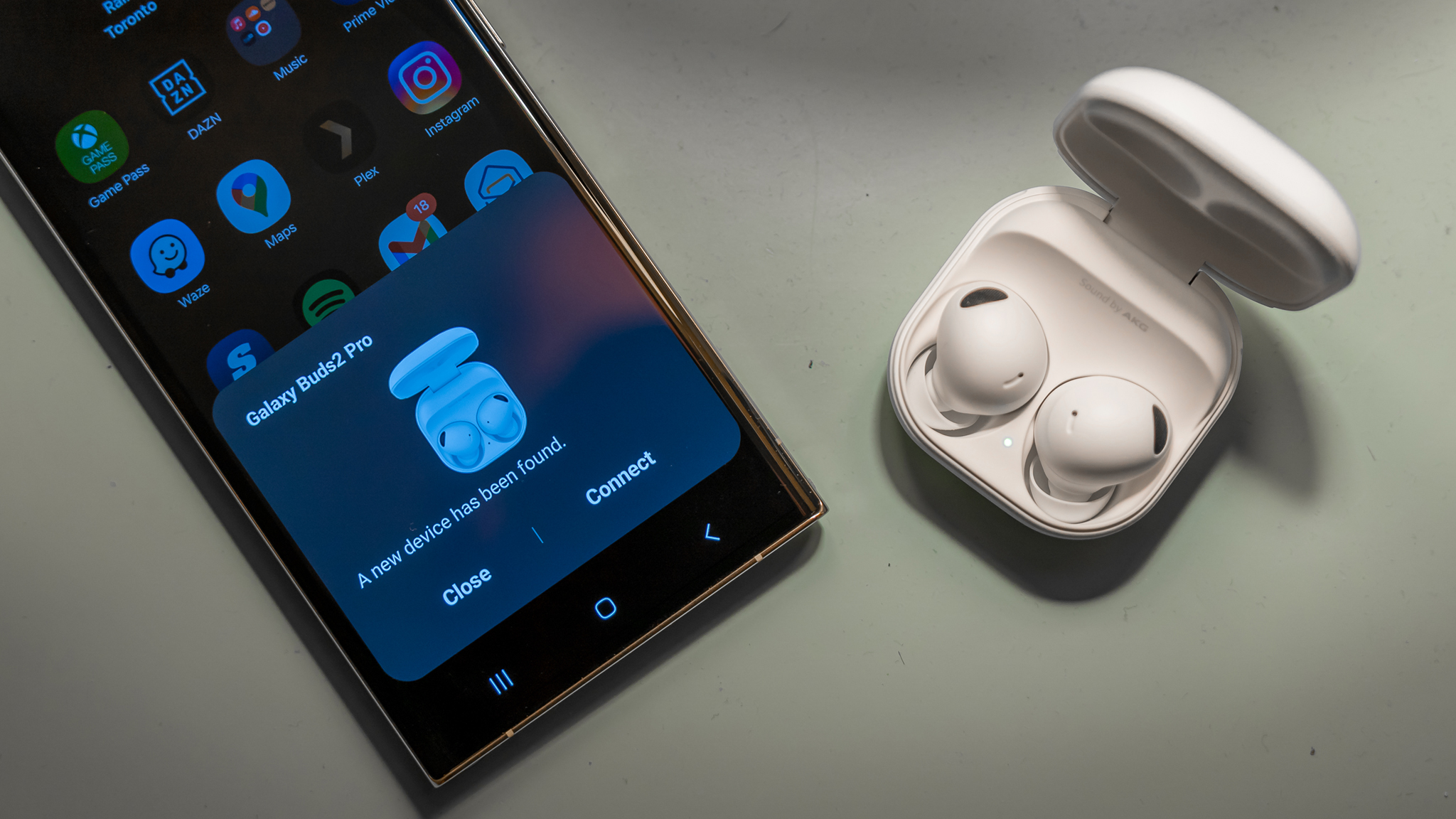

How to Do It
Prerequisites
-
- Ensure your device runs Android 14 or 15 for the latest features. Check by navigating to Settings → About phone → Software information.
-
- Backup your data using Settings → System → Backup to avoid data loss during any updates or changes.
Step-by-Step Instructions
-
- Turn on Bluetooth on your Android device:
Settings → Connected devices → Connection preferences → Bluetooth
- Turn on Bluetooth on your Android device:
-
- Put your Bluetooth headphones in pairing mode (typically involves holding the power button until a light flashes).
-
- On your Android device, tap on “Pair new device.” Your headphones should appear in the list. Select them to connect.
-
- Verify the connection by playing audio. If you hear sound through your headphones, the pairing was successful.
Best Practices, Tips & Pitfalls
-
- Ensure you’re within range (typically within 30 feet) to avoid connection issues.
-
- Keep your Bluetooth headphones charged to prevent disconnection during use.
-
- If you face pairing issues, try restarting both the headphones and your phone.
-
- Clear previous Bluetooth connections by going to Settings → Connected devices → Previously connected devices if the headphones don’t pair.
-
- Check for software updates regularly to enhance compatibility and performance.
Alternatives & Comparisons
While this guide primarily focuses on Bluetooth connections on Android, there are alternative methods for connecting audio devices, particularly with different operating systems or protocols. Below is a comparison of a few viable alternatives:
| Option | Best for | Trade-offs |
|---|---|---|
| Wired Connection | Low latency audio | Less mobility |
| Wi-Fi Audio Streaming | High-quality audio | Depends on Wi-Fi strength |
Key Takeaways
-
- Understanding the differences between Android 14 and 15 can enhance your smartphone usage.
-
- OEM variations like Pixel, One UI, MIUI, and OxygenOS offer unique features and settings.
-
- Always back up your data before making significant changes to your device.
-
- Following the step-by-step guide can simplify the pairing process for Bluetooth headphones.
-
- Utilizing best practices can prevent common issues and improve your overall experience.
FAQ
What are the main differences between Android 14 and 15?
Android 15 introduces enhancements such as improved privacy features and new UI elements, whereas Android 14 focused on stability and performance improvements.
How do OEM variations affect my experience?
OEM variations provide unique features tailored to user needs, such as Samsung’s One UI focusing on multitasking and MIUI emphasizing customization.
Can I connect my Bluetooth headphones to multiple devices?
Many Bluetooth headphones support multi-point connectivity, allowing them to connect with multiple devices simultaneously. Check your device’s specifications for compatibility.
