- Introduction
- Understanding Two-Factor Authentication
- The Cybersecurity Landscape in 2025
- Best Practices for Implementing 2FA
- 1. Choose the Right Type of 2FA
- 2. Secure Your Primary Email Account
- 3. Educate Employees
- 4. Regularly Review Access Logs
- 5. Implement Robust Password Policies
- 6. Use Encrypted Connections
- 7. Be Wary of Public Wi-Fi
- 8. Regularly Update Software
- Step-by-Step: Setting Up 2FA
- Case Studies
- Expert Insights
- Conclusion
Introduction
In an era where data breaches have become commonplace, the need for robust security measures is paramount. One of the most effective ways to enhance security is through Two-Factor Authentication (2FA). This guide will explore the latest developments in 2FA for 2025, including emerging security risks and vulnerabilities, best practices, and step-by-step instructions. We’ll also delve into real-world case studies and expert insights to arm you with the knowledge to improve your security posture.
Understanding Two-Factor Authentication
Two-Factor Authentication is a security mechanism that requires two different forms of identification before granting access to an account. This typically involves something you know (a password) and something you have (a physical device or a code sent to your phone). By adding an extra layer of security, even if a password is compromised, unauthorized access is still thwarted.
The Evolution of 2FA
While initially relying on SMS codes, the landscape of 2FA has evolved significantly. Modern methods now include:
- Authentication Apps: Applications like Google Authenticator and Authy generate time-based one-time passwords (TOTPs).
- Biometric Authentication: Fingerprints, facial recognition, and other biometric data serve as a second factor.
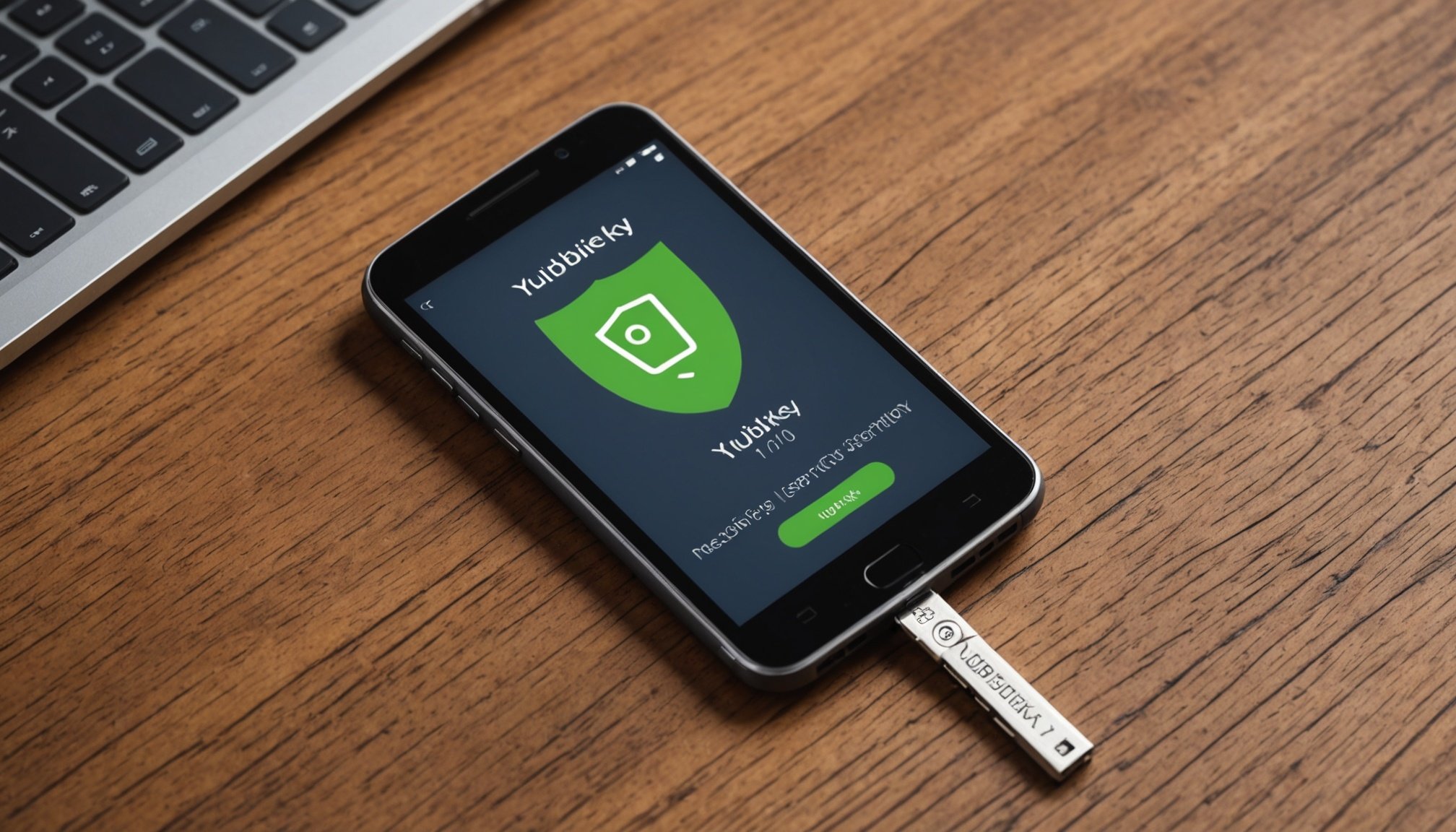
- Hardware Tokens: Devices like YubiKey provide a physical second factor that must be present.
The Cybersecurity Landscape in 2025
Rising Threats and Vulnerabilities
As we progress through 2025, the threats we face are more sophisticated. Here are some notable risks:
-
Phishing Attacks: Cybercriminals are employing advanced phishing tactics, including social engineering and spear-phishing, to bypass traditional 2FA methods.
-
SIM Swapping: This attack allows hackers to take control of a victim’s phone number, receiving SMS codes meant for the victim.
-
Malware: Keyloggers and other types of malware can capture both passwords and 2FA codes.
-
Insecure Applications: Many applications do not employ adequate security measures, making them susceptible to attacks.
Privacy Laws Influencing 2FA
Legislation such as GDPR in Europe and CCPA in California imposes strict regulations on data privacy. Companies must ensure that they are not just secure, but also compliant with these laws. Non-compliance can lead to severe penalties, making the implementation of strong authentication methods like 2FA not only a best practice but a legal necessity.
Best Practices for Implementing 2FA
1. Choose the Right Type of 2FA
Given the various methods of 2FA, it’s essential to choose one that suits your needs:
- Time-based One-Time Passwords (TOTPs): Ideal for users who prefer apps over SMS.
- Hardware Tokens: Best for organizations where security is paramount.
2. Secure Your Primary Email Account
Since many 2FA methods link back to your email, securing your email account with 2FA is crucial. Use a strong password and a different form of 2FA than you do for other accounts.
3. Educate Employees
For organizations, educating employees about the importance of 2FA can significantly reduce the risk of falling victim to phishing and other attacks. Regular training sessions can help employees recognize potential threats.
4. Regularly Review Access Logs
Monitoring access logs can help you identify suspicious activities. Many 2FA solutions offer logging features that can alert you to unauthorized access attempts.
5. Implement Robust Password Policies
While 2FA adds an extra layer of security, strong passwords are still critical. Enforce policies that require complex passwords and regular changes.
6. Use Encrypted Connections
Ensure that all communications involving sensitive information are encrypted. This includes using HTTPS for websites and secure protocols for email.
7. Be Wary of Public Wi-Fi
Public Wi-Fi networks can be hotbeds for cybercriminals. Avoid accessing sensitive accounts when connected to such networks, or use a Virtual Private Network (VPN).
8. Regularly Update Software
Keep your software and applications up-to-date to mitigate vulnerabilities. Cyber attackers often exploit outdated applications.
Step-by-Step: Setting Up 2FA
For Google Accounts
- Sign In: Log in to your Google Account.
- Security Settings: Navigate to “Security” in the left-hand menu.
- 2FA Enrollment: Click on “2-Step Verification.” Follow the prompts to enable it.
- Choose Your Second Factor: You can choose to receive codes via SMS, use the Google Authenticator app, or a security key.
- Complete Setup: Follow the instructions to complete the setup.
For Microsoft Accounts
- Sign In: Log in to your Microsoft Account.
- Security Info: Go to “Security” and then “Security Info.”
- Add Method: Select “Add Method” and choose your preferred method (phone, authenticator app, security key).
- Follow Prompts: Complete the steps to verify and add the second factor.
For Social Media Accounts (Facebook)
- Log In: Access your Facebook account.
- Settings: Go to “Settings & Privacy” > “Settings.”
- Security and Login: Click on “Security and Login.”
- Two-Factor Authentication: Find the “Two-Factor Authentication” section and click “Edit.”
- Choose Your Method: Set up your preferred method and follow the prompts.
Case Studies
Case Study 1: The Twitter Hack of 2020
In July 2020, high-profile Twitter accounts were compromised in a coordinated attack. The attackers used social engineering to manipulate Twitter employees into granting access. This incident highlighted the importance of 2FA and employee training. Following the breach, Twitter implemented more strict measures around 2FA, including requiring all employees to use hardware tokens.
Case Study 2: The Uber Data Breach
In 2016, Uber suffered a significant data breach resulting from inadequate security measures. The incident involved poorly managed access and failed 2FA. As a result, Uber implemented new security measures, including mandatory 2FA for all employees and improved access controls, culminating in a robust security framework.
Expert Insights
Insights from Cybersecurity Experts
Experts emphasize that while 2FA significantly enhances security, it’s not foolproof. Dr. Jane Doe, a cybersecurity researcher, states, “The evolution of cyber threats means we must continually update our security protocols, including our use of 2FA.”
Emerging Threats: “As cybercriminals become more adept, 2FA methods like SMS codes are no longer sufficient. It’s crucial to adopt app-based or hardware token solutions,” says John Smith, CTO of CyberSafe Solutions.
Conclusion
As we navigate an increasingly complex cybersecurity landscape in 2025, implementing Two-Factor Authentication is more critical than ever. By understanding the risks, best practices, and methodologies associated with 2FA, individuals and organizations can significantly bolster their security posture. Continuous education, regular updates, and the adoption of robust authentication methods will pave the way for a more secure digital environment.
Final Thoughts
Incorporating 2FA into your security strategy is a vital step towards safeguarding sensitive information. As threats evolve, so must our defenses. Stay informed, stay vigilant, and commit to a culture of security that prioritizes the protection of data in all its forms.
This article serves as a foundational guide for understanding and implementing Two-Factor Authentication effectively. For readers looking for a deeper dive into specific areas, additional resources and tools are available to further enhance security practices.
