- Understanding Graphics Drivers
- 1. Gaming Hardware Overview
- 2. Gaming Technologies
- 3. Performance Optimization
- 4. Game Streaming Platforms and Equipment
- 5. Esports and Competitive Gaming
- 6. Budget and High-End Builds
- 7. Tips for PC and Console Gaming Enthusiasts
- 7.1 Regular Maintenance
- 7.2 Community Engagement
- 7.3 Utilize Resources
- 7.4 Perform Benchmarking
- 7.5 Backup System
- Conclusion
As gaming technology continues to evolve, keeping your graphics drivers updated has become crucial for maximizing performance and ensuring compatibility with the latest games and technologies. Whether you’re a casual gamer or a competitive esports player, understanding how to manage your graphics drivers can significantly impact your gaming experience. This article delves into various aspects of gaming hardware, technologies, performance optimization, and essential tips for both PC and console gaming enthusiasts.
Understanding Graphics Drivers
Graphics drivers are software that allow your operating system and applications to communicate with your graphics hardware. Updated drivers can enhance performance, fix bugs, and introduce new features. For gamers, keeping these drivers updated is paramount, especially given the rapid advancements in gaming graphics technology.
Why Update Graphics Drivers?
- Performance Improvements: New drivers often include optimizations for the latest games, enhancing frame rates and graphical fidelity.
- Bug Fixes: Drivers can contain fixes for bugs that may lead to crashes or graphical glitches.
- New Features: Major driver updates can introduce new technologies like ray tracing or DLSS (Deep Learning Super Sampling).
- Compatibility: New games may require updated drivers to run optimally or at all.
1. Gaming Hardware Overview
1.1 PCs
Components:
- CPUs: Choose between AMD and Intel, depending on your gaming needs.
- GPUs: NVIDIA and AMD dominate the market. The latest series (like the NVIDIA RTX 5000 and AMD RX 8000) have features like ray tracing and AI-enhanced graphics.
- RAM: At least 16GB is recommended for modern gaming.
- Storage: SSDs are preferred for faster load times.
1.2 Consoles
As of 2025, the major consoles are:
- PlayStation 5: Known for its exclusive titles and robust hardware capabilities.
- Xbox Series X/S: Offers Game Pass and high compatibility with PC gaming.
- Nintendo Switch: Continues to be popular for exclusive Nintendo titles and portability.
1.3 Laptops
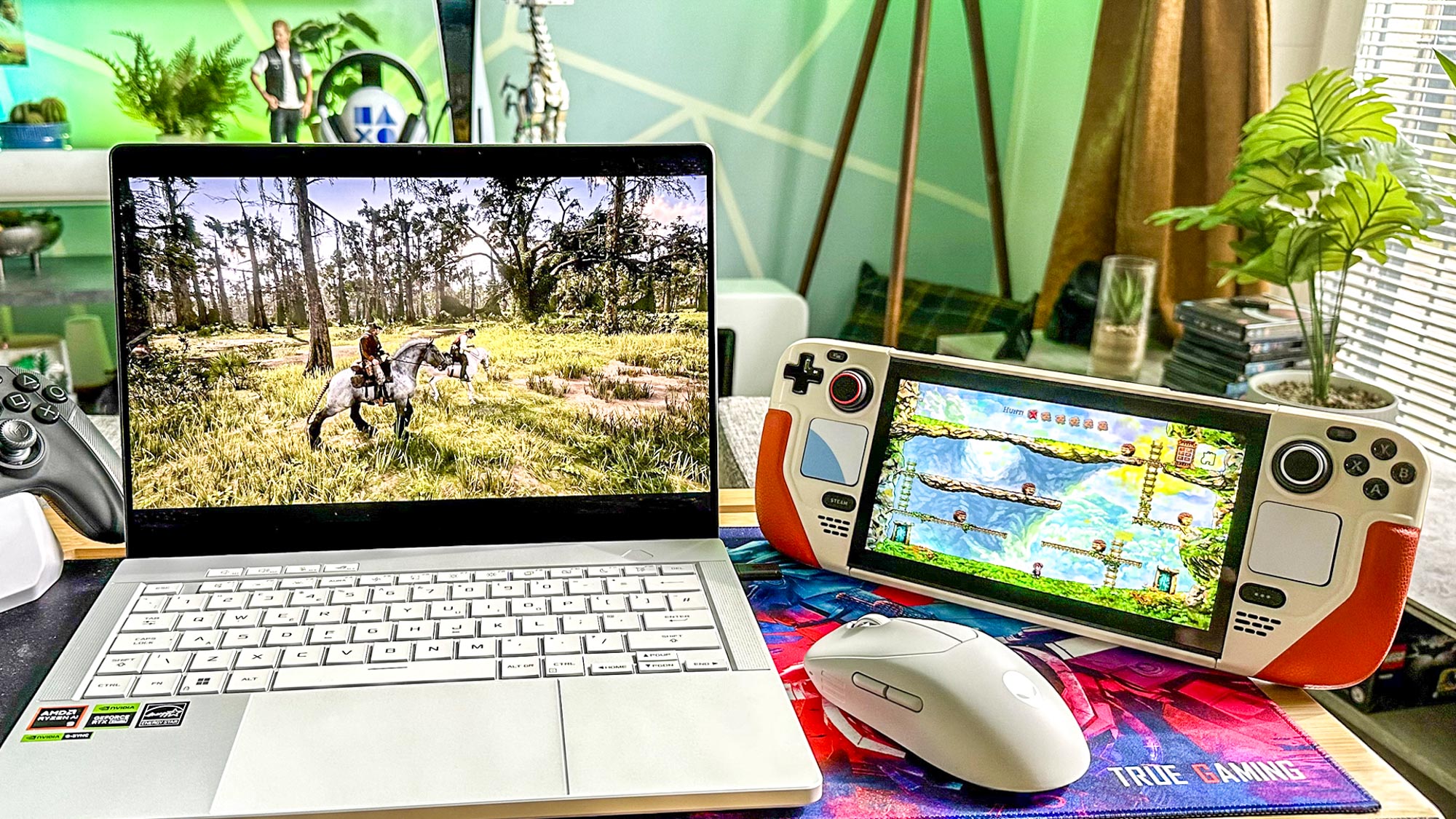
Gaming laptops like the ASUS ROG Zephyrus and Razer Blade 15 feature powerful GPUs, fast refresh rate displays, and good cooling solutions.
1.4 Monitors
For gamers, high-refresh-rate monitors (144Hz or 240Hz) are essential. Look for monitors with adaptive sync technologies like NVIDIA G-SYNC or AMD FreeSync.
1.5 Peripherals
- Keyboards: Mechanical keyboards with customizable RGB lighting are favored by gamers.
- Mice: Optical mice with adjustable DPI settings are crucial for competitive play.
- Headsets: Look for headsets with surround sound capabilities for an immersive experience.
2. Gaming Technologies
2.1 Ray Tracing
Ray tracing simulates realistic lighting, shadows, and reflections. GPUs like the NVIDIA RTX series and AMD RX series support this technology, providing a significant visual upgrade in games that utilize it.
2.2 DLSS
DLSS leverages AI to upscale lower-resolution images in real-time, significantly improving performance without sacrificing visual fidelity. This is particularly beneficial in resource-intensive games.
2.3 Virtual Reality (VR)
VR technologies have matured, with headsets like the Oculus Quest 3 and Valve Index providing immersive gaming experiences. Ensure your graphics drivers support the latest VR standards for optimum performance.
2.4 Cloud Gaming
Platforms like NVIDIA GeForce NOW, Xbox Cloud Gaming, and PlayStation Plus offer streaming services that allow gameplay on lower-end hardware. Keeping your drivers updated can enhance streaming quality and reduce latency.
3. Performance Optimization
3.1 FPS Increases
Updating drivers can lead to substantial FPS (frames per second) increases. This is particularly noticeable in newly-released titles that can take advantage of optimizations.
3.2 Overclocking
Overclocking your GPU can yield substantial performance benefits. However, it requires proper cooling solutions and stability testing. Use software like MSI Afterburner to monitor performance and temperatures.
3.3 Cooling Solutions
Proper cooling is essential for maintaining optimal performance, especially when overclocking. Consider liquid cooling systems or high-performance air coolers.
3.4 Case Studies
-
Case Study: FPS Improvements
- Subject: A gamer using an NVIDIA RTX 3060.
- Scenario: Before updating drivers, the gamer experienced 40 FPS in Cyberpunk 2077. After the update, FPS improved to 60, allowing for a smoother experience.
-
Case Study: Overclocking
- Subject: An AMD Radeon RX 6800 user.
- Scenario: After overclocking the GPU with updated drivers, the user achieved a 20% increase in FPS in competitive shooters, leading to better performance in esports.
4. Game Streaming Platforms and Equipment
4.1 Capture Cards
Capture cards, such as the Elgato HD60 S and AVerMedia Live Gamer series, allow gamers to stream their gameplay without impacting performance. Updated drivers ensure compatibility and optimal performance.
4.2 Stream Decks
Devices like the Elgato Stream Deck allow for customized control during streaming. Keeping software and drivers updated ensures these devices function seamlessly with your setup.
5. Esports and Competitive Gaming
5.1 The Scene
Esports continues to grow, with games like VALORANT, League of Legends, and DOTA 2 dominating. Keeping your graphics drivers updated is crucial for competitive play, as even slight performance improvements can impact outcomes.
5.2 Best Practices for Competitive Gamers
- Regular Updates: Schedule regular updates for drivers and software.
- Optimize Settings: Adjust graphics settings for the best balance between performance and quality.
- Monitor Performance: Use tools to track FPS and system health.
6. Budget and High-End Builds
6.1 Budget Builds
An optimal budget gaming PC can be built with:
- CPU: AMD Ryzen 5 5600X
- GPU: NVIDIA GTX 1660 Super
- RAM: 16GB DDR4
- Storage: 500GB SSD
6.2 High-End Builds
For top-tier performance:
- CPU: Intel i9-13900K
- GPU: NVIDIA RTX 4090
- RAM: 32GB DDR5
- Storage: 2TB NVMe SSD
7. Tips for PC and Console Gaming Enthusiasts
7.1 Regular Maintenance
- Driver Updates: Set reminders to check for updates quarterly.
- Clean Hardware: Dust can accumulate and cause overheating; clean your setup regularly.
7.2 Community Engagement
Join gaming forums and communities to stay updated on the latest trends and driver releases.
7.3 Utilize Resources
Websites like TechSpot and Tom’s Hardware provide reviews and comparisons of drivers and hardware.
7.4 Perform Benchmarking
Regular benchmarking can help you understand the impact of updates and optimizations.
7.5 Backup System
Always back up your system before major updates to prevent data loss.
Conclusion
Keeping your graphics drivers updated in 2025 is essential for any gamer looking to enhance their experience. With rapidly advancing technology, maintaining compatibility and optimizing performance can make a significant difference in gameplay. By understanding your hardware, utilizing the latest gaming technologies, and following best practices for performance optimization, you can ensure that you remain competitive in this ever-evolving landscape.
Remember, the right combination of regularly updated drivers, optimized settings, and a solid hardware foundation can elevate your gaming experience to new heights. Stay informed, stay engaged, and most importantly, enjoy gaming!